75% Hot-Swappable Wireless Keyboard: Switch Freedom
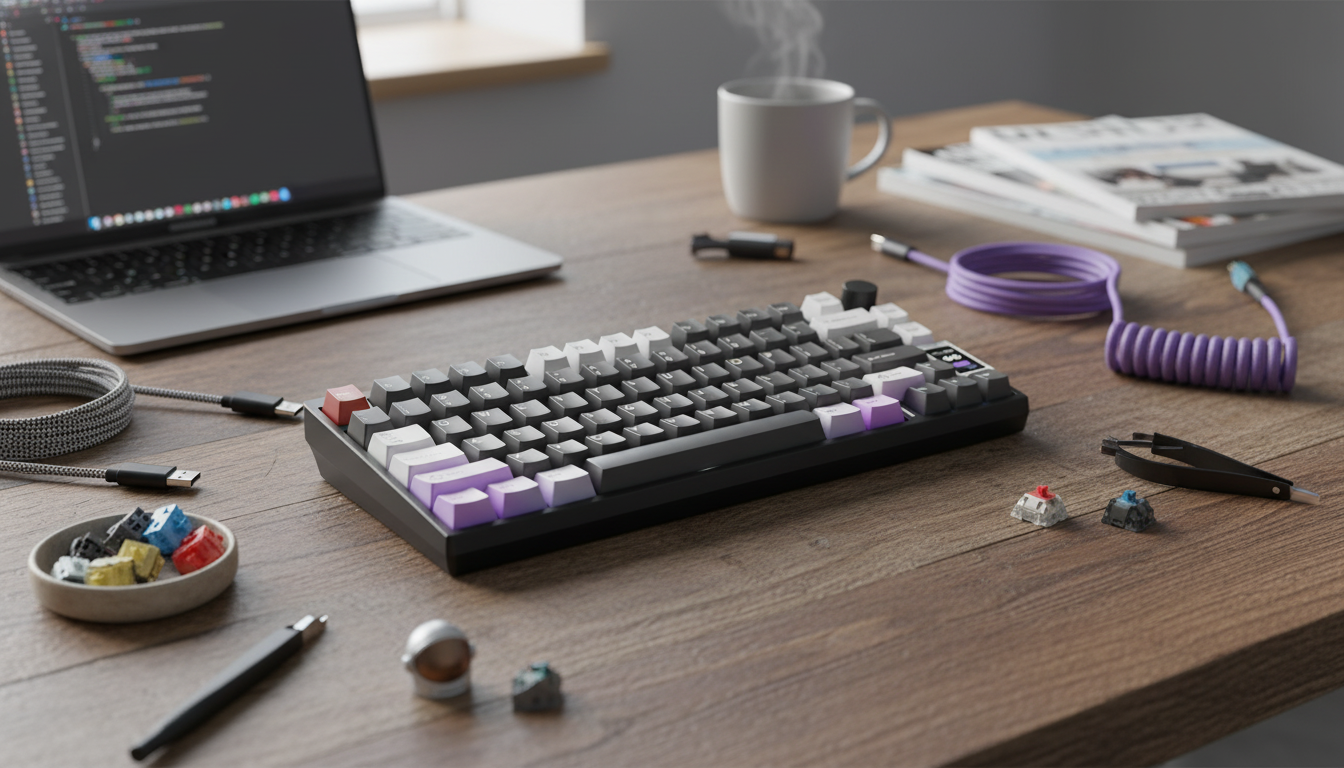
Hot Swappable 75% Wireless Mechanical Keyboard: Compact Freedom Without Commitment
A 75% wireless mechanical keyboard keeps the essentials—function row, arrows, and navigation keys—while saving desk space. Add hot-swappable sockets and it becomes a flexible setup that can change feel and sound without soldering, making it a strong fit for gaming, work, and shared desktops. Instead of locking into one switch type for years, you can tune the board to your environment: quiet for late-night work, tactile for accuracy, or smooth linears for fast movement-heavy games.
What “hot swappable” and “wireless” mean in daily use
Hot-swappable sockets are small connectors on the PCB that let you remove and replace switches using a switch puller—no soldering iron, no desoldering pump, and far less risk than traditional mods. That makes experimentation realistic: swap just WASD to linears, or test a few tactiles on the home row before changing the whole board.
Wireless usually means Bluetooth for easy pairing with laptops, tablets, and phones. Some models also include a 2.4 GHz dongle option, which tends to feel more consistent for fast inputs. A wired USB mode still matters: it’s useful for charging, firmware updates, and a rock-steady connection during long sessions.
Finally, the 75% layout is the “compact but complete” middle ground. You keep arrow keys and a tight navigation cluster while trimming the numpad and the extra spacing found on full-size boards.
Why a 75% layout is a practical compact choice
For many desks, a full-size keyboard forces the mouse farther right, which can push shoulder and wrist alignment out of a comfortable range—especially on shallow desks. A 75% layout brings the mouse closer, frees up pad space for low-sensitivity aiming, and still keeps the keys most people reach for daily.
- Dedicated arrows help with coding, spreadsheets, and editing without jumping to layers.
- A full function row supports shortcuts in creative apps and many games while staying smaller than tenkeyless.
- Portability is better for hybrid work—75% boards fit backpacks more easily than larger layouts.
Switch compatibility and what to look for before swapping
Most hot-swappable mechanical keyboards are built for MX-style switches, but it’s still important to confirm compatibility before buying a set of switches. The main detail to watch is pin layout: many switches come in 3-pin or 5-pin variants, and some hot-swap sockets and plates accommodate both while others may need clipping of plastic locating pins.
Switch feel is personal, but choosing based on your main use case is a reliable starting point:
- Linear switches are smooth and often preferred for gaming because there’s no tactile bump to push through.
- Tactile switches provide feedback that can reduce typos and help with confident, rhythmic typing.
- Clicky switches add audible confirmation, which can be satisfying but less suitable for shared spaces.
Also pay attention to stabilizers on larger keys (spacebar, enter, backspace, shift). Even premium switches won’t fix a board that rattles on stabilized keys. Good stabilizers—and basic tuning—make a bigger difference than many first-time buyers expect.
For safe swapping, power the keyboard off, pull switches straight up, check pin alignment, and press evenly. Bent pins are the most common avoidable issue during hot-swap changes.
Connectivity, battery, and latency considerations
Bluetooth shines when you bounce between devices. Multi-device profiles can turn a single keyboard into a shared control center for a work laptop plus a personal tablet. If you’re curious about how Bluetooth evolves and maintains compatibility, the Bluetooth Core Specification is the reference point.
For competitive play or latency-sensitive rhythm games, 2.4 GHz (when available) is often preferred because it typically offers steadier performance than Bluetooth in busy wireless environments. Even then, a quality USB-C wired mode remains valuable as a fallback when the battery is low or you’re in a crowded RF space.
Battery life varies widely based on lighting. High brightness and animated RGB can drain a battery quickly, while static colors or dim settings usually extend runtime. USB-C charging is standard on modern boards; the USB-IF documentation covers the broader Type-C ecosystem and expectations around connectors and cables.
Key features checklist for a satisfying build
If you want to understand the hardware behind many hot-swap builds, manufacturer details like Kailh hot-swap socket information can clarify why some sockets feel firmer or last longer than others.
Quick comparison: compact wireless options available
| Product | Layout | Notable feature | Price (USD) | Link |
|---|---|---|---|---|
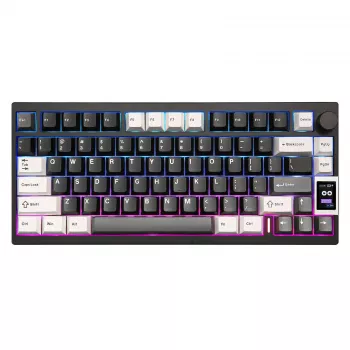
| Hot Swappable 75% Wireless Mechanical Keyboard | 75% | Hot-swappable design for easy switch changes | 186.01 | View product |
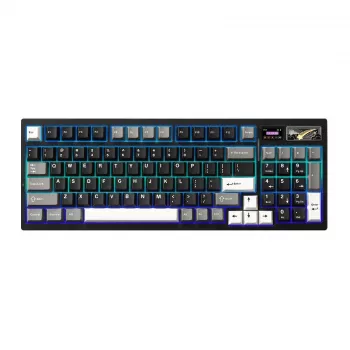
| Wireless Mechanical Gaming Keyboard with Customizable LCD & RGB Lighting | Compact (gaming-focused) | Customizable LCD + RGB lighting | 171.47 | View product |
Setup tips: swapping switches, pairing devices, and maintenance
Shop in-stock wireless mechanical keyboards
- Hot Swappable 75% Wireless Mechanical Keyboard (75% layout, easy switch changes)
- Wireless Mechanical Gaming Keyboard with Customizable LCD & RGB Lighting (compact gaming focus with an LCD display)
FAQ
Do hot-swappable keyboards work with any mechanical switch?
Most hot-swappable boards support MX-style switches, but you still need to match the socket and pin style (commonly 3-pin vs. 5-pin). Low-profile and optical switches usually require dedicated keyboards and aren’t interchangeable with standard MX hot-swap sockets.
Is Bluetooth fast enough for gaming?
Bluetooth is typically fine for casual gaming and everyday use, especially on modern devices. For more consistent latency in competitive play, a 2.4 GHz dongle (if available) or wired USB mode is usually the better option.
How often should switches or keycaps be replaced?
Switches generally last a long time and are often replaced due to preference (feel/sound) rather than wear. Keycaps are commonly replaced when legends wear, shine becomes noticeable, or you want a different profile or style.









Leave a comment